How to Get Your Jaffna Business on Google Maps (Free Step-by-Step Guide)
Set up a free Google Business Profile for your Jaffna shop, appear on Google Maps, collect real reviews and show up when local customers search.
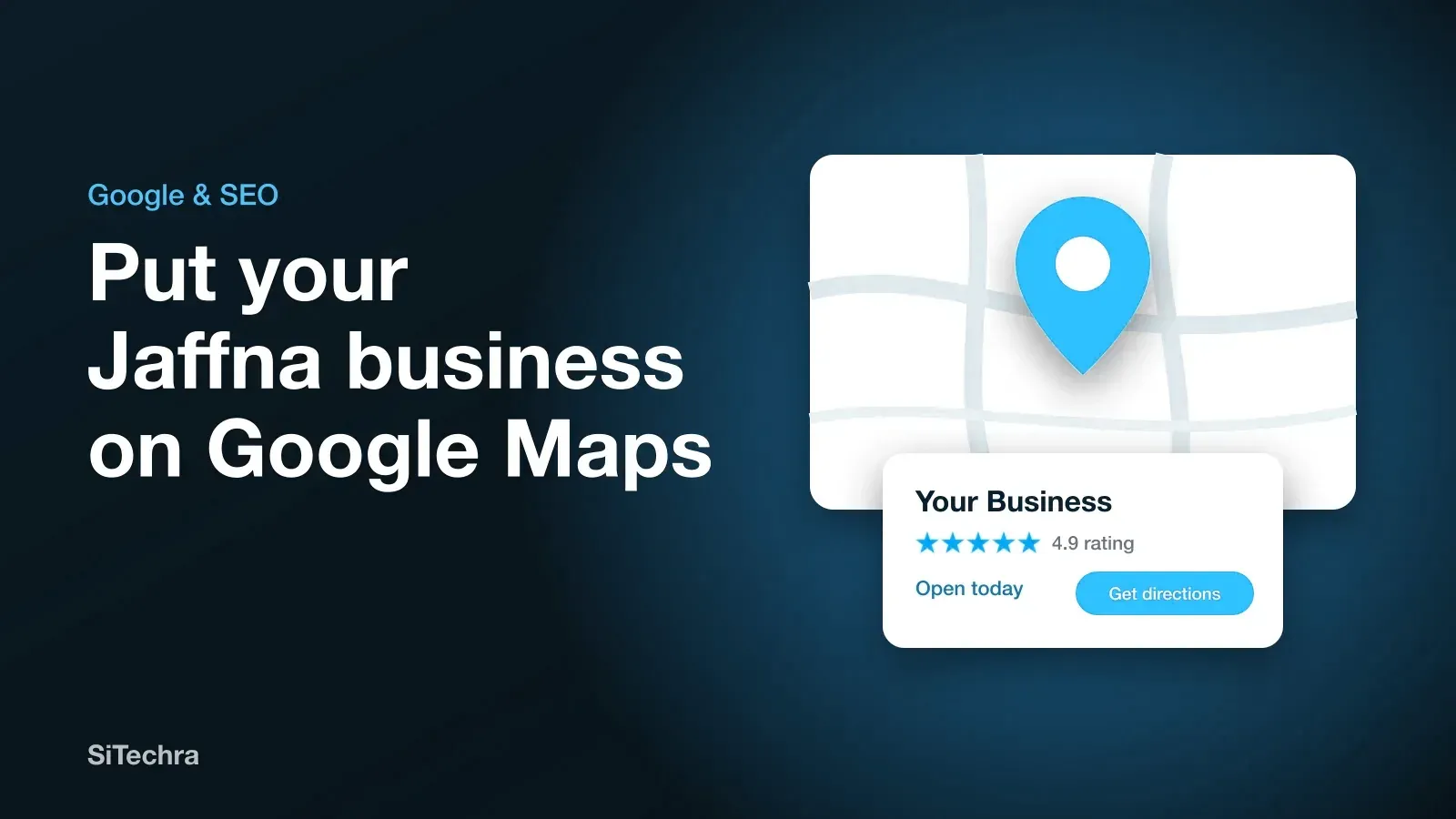
When someone in Jaffna searches for “florist near me” or “phone repair Jaffna”, Google shows a map with three businesses above the normal results. Those three get a large share of the calls and visits.
Getting onto that map costs nothing. It only takes some care, and most local businesses have not done it properly. That is your opportunity.
Step 1: Check whether you already exist
Search for your business name on Google Maps. Google sometimes creates listings by itself. If yours appears, look for the option to claim it. If nothing appears, you will create a new one.
Step 2: Create your profile
Go to Google Business Profile and sign in with a business Google account. Use one that you will always control, and not a staff member’s personal account.
Enter your business name exactly as it appears on your signboard. Adding extra words such as “Best Jaffna Cheap” breaks Google’s rules and can get your listing suspended.
Step 3: Choose the right category
Your primary category has a big effect on the searches you appear in. Choose the one that describes your main business as exactly as possible, such as “Florist” and not “Shop”. You can add a few secondary categories.
Step 4: Set your location carefully
Drop the pin exactly on your door. Many Jaffna addresses are not well mapped, so a correct pin matters here more than in a big city. Customers will rely on it to find you.
If you travel to customers and have no shop, set a service area, and hide your address.
Step 5: Verify your business
Google has to confirm that you are real. Depending on your business, it may ask for a short video of your premises, a phone call or text, or another method. Follow the steps it offers. Your listing will not appear fully until this is done.
Step 6: Complete everything
A half-empty profile will lose to a complete one. Fill in:
- Opening hours, including public holidays
- WhatsApp number and website
- A short description of what you do, in plain words
- Your products or services, with prices where possible
- Real photos of your shop, your work and your team
Add new photos every month. Clear, real photos do more than stock images ever will.
Step 7: Ask for reviews
Reviews are among the strongest signals you control. After a job goes well, send the customer your review link on WhatsApp and ask politely. Short reviews that mention what you did are especially useful.
Reply to every review, including the bad ones. A calm, helpful reply shows future customers how you treat people.
Never buy reviews, and do not offer gifts in return for them. Google removes fake reviews and can suspend your profile.
Step 8: Keep it alive
Post an update every week or two, such as an offer, new stock or a finished job. Answer questions. Update your hours for Thai Pongal and other holidays. An active profile tells both Google and customers that you are open.
Connect it to a website
A Google profile gets you found. A website is what convinces people to choose you. Google also uses your website to understand what you offer, so make sure your name, address and phone number match on both.
If you do not have one yet, read why your Jaffna business needs a website, and see our website development in Jaffna from LKR 45,000.
Want help appearing higher in local searches? Our SEO service starts from LKR 35,000. You can also read our beginner’s guide to SEO for small businesses.
Frequently asked questions
Is Google Business Profile free?
Yes. Creating and managing a Google Business Profile is free. Be careful of anyone who says you must pay Google for a listing.
How long does verification take?
It depends on the method Google offers you. Some businesses are verified the same day, and others wait longer. Google decides which methods are available for your business.
Can I add a business that has no shop?
Yes. If you visit customers instead of having them come to you, you can set a service area and hide your address.