
Next.js vs WordPress in 2026: Which Should Your Business Choose?
An honest Next.js vs WordPress comparison for 2026 — speed, SEO, security, real total cost of ownership, and the projects where each one clearly wins.
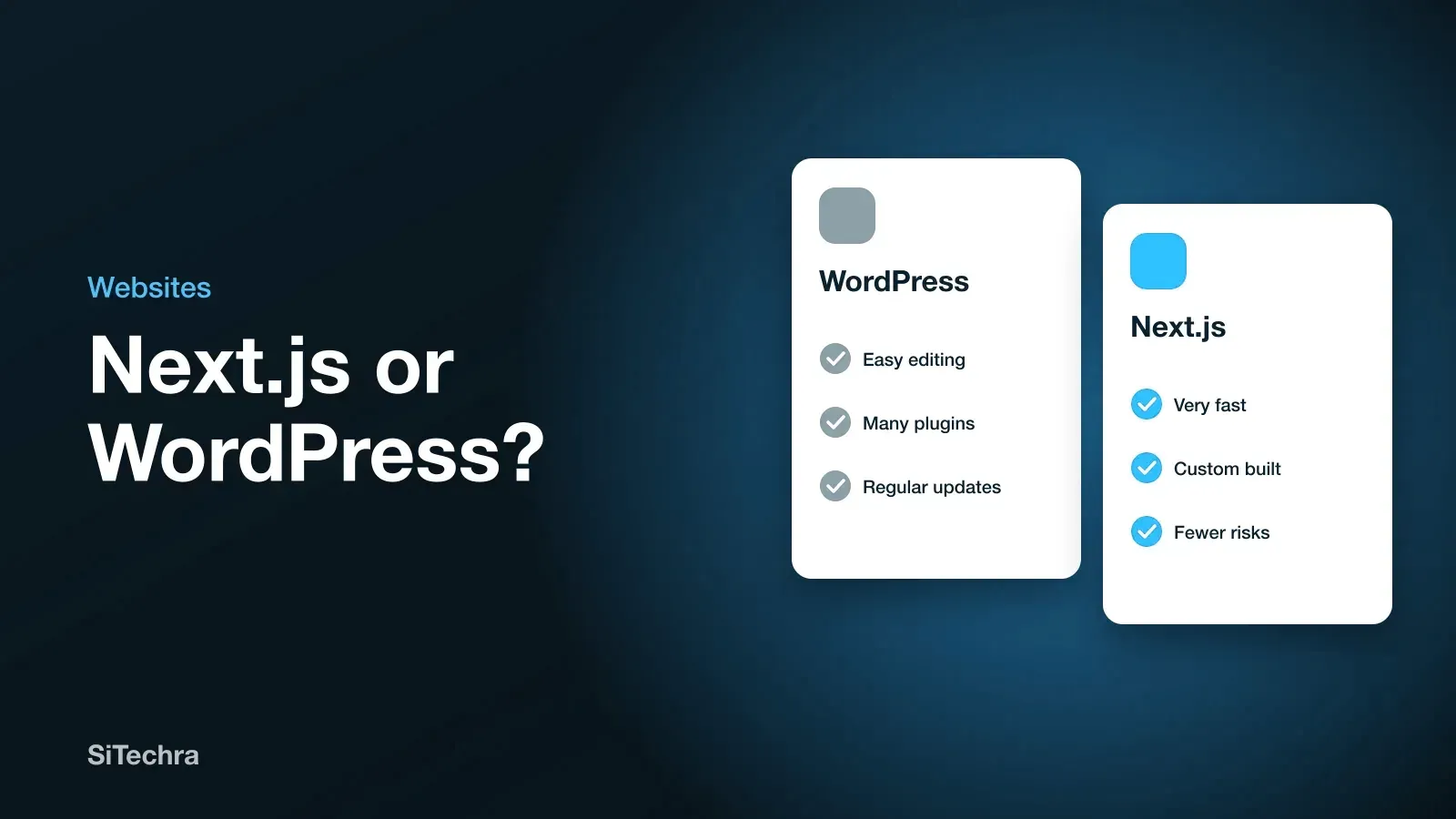
WordPress still powers a huge share of the web. Next.js has become the default for teams who care about speed and search rankings. Both facts are true at once, and the internet's endless "WordPress is dead" posts are not helping anyone make an actual decision.
We build in both. Here is the comparison we give clients, including the cases where we tell them to stay on WordPress.
The Short Answer
| Next.js | WordPress | |
|---|---|---|
| Raw speed | Excellent by default | Needs constant work |
| SEO ceiling | Very high | Good, with effort and plugins |
| Non-developer editing | Needs a CMS attached | Excellent out of the box |
| Security exposure | Small | Large — plugins are the weak point |
| Upfront cost | Higher | Lower |
| Cost over 3 years | Often lower | Often higher |
| Time to launch | Weeks | Days to weeks |
Choose Next.js when performance and search rankings drive revenue, when you need custom functionality, or when the site must scale.
Choose WordPress when a non-technical team publishes constantly, budget is tight, and the site is content rather than product.
1. Speed and Core Web Vitals
This is where the difference is least arguable.
WordPress assembles a page on every request: PHP runs, the database is queried, plugins execute, and the HTML is built. Caching plugins hide much of this, and a well-tuned WordPress site can be genuinely fast. But you are tuning against the architecture rather than with it, and every plugin added later erodes the work.
Next.js does the opposite. Pages can be rendered at build time (static generation) or on the server per request, then delivered as complete HTML. There is nothing to assemble at the moment a visitor arrives. Add automatic code splitting, image optimisation and modern formats, and good Core Web Vitals become the default rather than a project.
Typical outcome we see on comparable content: a tuned WordPress site lands at 60-80 on mobile PageSpeed. An equivalent Next.js build lands at 90-100. That gap is not academic — Google uses Core Web Vitals as a ranking input, and mobile users on slow connections leave before a slow page appears.
2. SEO: Where the Gap Is Real
Both can rank. The difference is how much effort each requires to reach the same place.
WordPress gives you a mature ecosystem — Yoast or Rank Math handle titles, meta descriptions, sitemaps and schema competently. The weaknesses are speed, plugin bloat inflating page weight, and theme markup you do not fully control.
Next.js gives you exact control of every tag, every piece of structured data, and the rendering strategy per page. Server-side rendering and static generation mean crawlers receive complete HTML on the first request, with no JavaScript execution required. Nothing is hidden behind a theme.
The catch is honesty about effort: in Next.js, SEO is something a developer must implement deliberately. WordPress hands you 70% of it through a plugin. If nobody on the project owns SEO, WordPress will produce a better result — a badly built Next.js site with no metadata will lose to a well-configured WordPress site every time.
The framework raises the ceiling. It does not raise the floor. This is why we build SEO into every website we develop rather than treating it as an add-on.
3. Security and Maintenance
WordPress's attack surface is a direct consequence of its greatest strength. Tens of thousands of plugins mean you can build almost anything quickly — and each one is third-party code with database access running on your server. Most WordPress compromises trace back to an outdated plugin, not to WordPress itself.
Ongoing WordPress maintenance means core updates, plugin updates, theme updates, compatibility testing, backups, malware scanning and a firewall. That is real recurring work, and skipping it is how sites get defaced.
Next.js has a much smaller surface. A statically generated site has no database and no server-side execution at request time — there is very little to attack. Dependencies still need updating, but the risk profile is different in kind, not just degree. We wrote about one serious framework-level vulnerability in our analysis of CVE-2025-55182 — worth reading precisely because such events are rare enough to be news.
4. Total Cost of Ownership
WordPress usually wins on day one and loses over three years. Indicative figures for a comparable business site:
| Cost | WordPress | Next.js |
|---|---|---|
| Initial build | Lower | Higher |
| Premium plugins and licences | Annual, recurring | Usually none |
| Hosting | Moderate to high | Low — static hosting is cheap |
| Security and updates | Ongoing, unavoidable | Minimal |
| Performance work | Recurring | Mostly one-off |
The honest summary: if the site will exist for two years, WordPress is usually cheaper. Past three years, Next.js often costs less to own — and performs better throughout.
5. Which One for Which Project
Build it in Next.js
- E-commerce where page speed converts directly into revenue
- SaaS products, dashboards, customer portals and anything behind a login
- Marketing sites competing hard on search rankings
- Anything needing custom functionality no plugin provides
- Projects where you want one API serving both website and mobile app
Stay on WordPress
- Blogs and news sites where non-technical staff publish daily
- Small business sites on a genuinely tight budget
- Projects that must launch in days
- Teams already fluent in WordPress with no appetite to retrain
Consider headless — both at once
Keep WordPress as the editing interface your team already knows, and render the public site in Next.js by pulling content through the WordPress API. Editors keep their familiar dashboard; visitors get static-speed pages. It costs more to set up and it is the right answer more often than people expect, particularly for content-heavy businesses that also need speed.
Frequently Asked Questions
Is Next.js better than WordPress for SEO?
It has a higher ceiling, mainly through speed and precise control of rendering and structured data. But it requires a developer to implement SEO deliberately, whereas WordPress delivers most of it through plugins. Well-built Next.js beats well-built WordPress; badly built Next.js loses to well-built WordPress.
Can I migrate my WordPress site to Next.js?
Yes, and content, URLs and rankings can all be preserved. The critical part is mapping every existing URL to its new equivalent with 301 redirects. Done properly, migration is SEO-neutral in the short term and positive once speed improves. Done carelessly, it costs you your rankings.
Do I need to know React to use Next.js?
To edit code, yes — Next.js is built on React. To publish content, no, provided a CMS is connected during the build. Agree this before development starts, not after.
Which is better for e-commerce?
For serious online retail, Next.js — speed measurably affects conversion, and the checkout can be built exactly as your business needs. WooCommerce on WordPress remains a reasonable low-budget entry point. See our e-commerce development approach.
What do you build in at SiTechra?
Next.js and React for SEO-critical sites and storefronts, Angular for large enterprise dashboards, Laravel and Node.js for backends and APIs, Flutter and React Native for mobile. We pick per project, and full source code handover is available as a paid option, agreed in your quote.
Not sure which fits your project?
Tell us what you are building and we will give you a straight recommendation — including when that recommendation is to keep the WordPress site you already have. WhatsApp +94 77 555 0967 or visit our contact page.