How to Send Invoices on WhatsApp: A Guide for Sri Lankan Businesses
Send invoices on WhatsApp and get paid faster. What a proper invoice needs, three ways to send one, and when a Sri Lankan business should automate it.
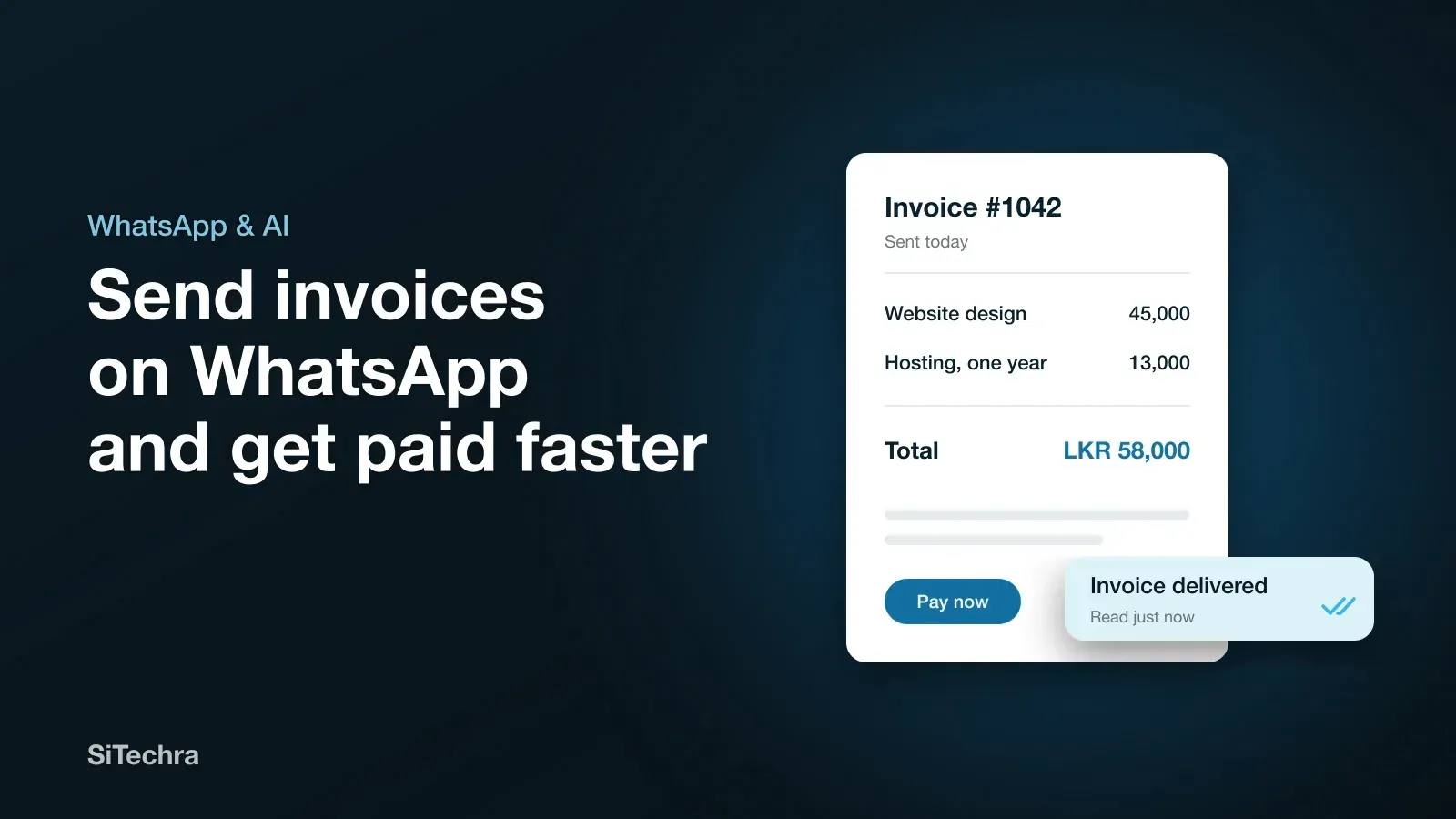
Most customers in Sri Lanka open WhatsApp many times a day. They do not check email that often, and a printed bill can be lost before it reaches the person who pays. That is why more shops, event companies and service businesses now send invoices on WhatsApp.
It is a small change, but it removes a lot of chasing. The customer gets the bill in seconds, and you can see when it has been delivered and read.
What a proper invoice should include
A WhatsApp message saying “total is 25,000” is not an invoice. Whatever tool you use, the document you send should show:
- Your business name, address and phone number
- A unique invoice number and the date
- The customer’s name
- Each item or service, with quantity and price
- The total, and any discount or advance already paid
- How to pay, such as your bank details or a payment link
- The due date
If you are VAT registered, ask your accountant what else must appear on a tax invoice. Do not guess on this one.
Three ways to send invoices on WhatsApp
1. Make a PDF and send it by hand. Create the invoice in a template, save it as a PDF and attach it to the chat. This costs nothing and suits a business sending only a few invoices a week. The problem is time, and mistakes in numbering.
2. Share it from your billing software. A good POS or billing system creates the invoice for you, with the right number and totals, and lets you send it to the customer’s WhatsApp. Distribook, our own business software, can send invoices to customers on WhatsApp. Plans start from LKR 3,000 a month.
3. Connect WhatsApp to your own system. If you take many bookings or orders, your website or software can send the invoice automatically once an order is confirmed. Nobody has to type anything. We built this kind of connection for Vaibhav Events in Colombo, along with a WhatsApp bot that helps couples choose wedding designs.
Which option suits your business
| Your situation | Best option |
|---|---|
| A few invoices a week | PDF sent by hand |
| A shop billing customers every day | Billing software with WhatsApp |
| Many online orders or bookings | Connected, automatic invoices |
A simple rule helps here. When one person spends more than an hour a day writing and sending bills, it is worth automating.
How to get paid faster
Sending the bill is only half of the job. These habits shorten the wait:
- Send it the same day the work is finished or the goods are delivered.
- Put the payment details in the message, not only inside the PDF.
- State a due date. “Please pay by 20 November” works better than “please pay soon”.
- Follow up politely on the due date with the invoice number.
- Mark it paid so that nobody chases a customer who has already paid.
Never send bills from a personal chat mixed with family messages. A separate WhatsApp Business number with your logo and business name looks trustworthy and keeps your records in one place.
Respect your customers
Only message people who have bought from you or asked you to contact them. Keep invoice messages about the invoice. If customers start receiving promotions on the same chat without agreeing to it, they may block or report the number, and your invoices stop arriving too.
Getting started
If you run a shop, look at POS and billing software first. If you need invoices joined to your website, bookings or a custom process, our WhatsApp automation team can connect it for you, from LKR 90,000.
Tell us how you bill customers today on our contact page, and we will suggest the simplest way to move it to WhatsApp.
Frequently asked questions
Are invoices sent on WhatsApp valid in Sri Lanka?
A clear invoice sent as a PDF is a normal business record, and customers commonly accept it. If your business is VAT registered, ask your accountant which details your tax invoices must show.
Can invoices be sent automatically on WhatsApp?
Yes. Billing software or a custom system can connect to WhatsApp and send the invoice when a sale or booking is confirmed. Vaibhav Events and Distribook both send invoices on WhatsApp.
Is it better to send a PDF or a photo of the invoice?
Send a PDF. It stays sharp, is easy to forward to an accountant and looks more professional than a photo of a paper bill.