10 Features Your Retail Shop's POS System Must Have in Sri Lanka
Choosing a POS system for your shop in Sri Lanka? These 10 features matter most, from barcode billing and stock alerts to credit tracking and offline use.
A POS system does much more than print bills. In a Sri Lankan retail shop, it should tell you what is selling, what is running out, and who owes you money.
Many owners buy on price and find out what is missing months later. Use this list to compare systems before you commit.
1. Fast barcode billing
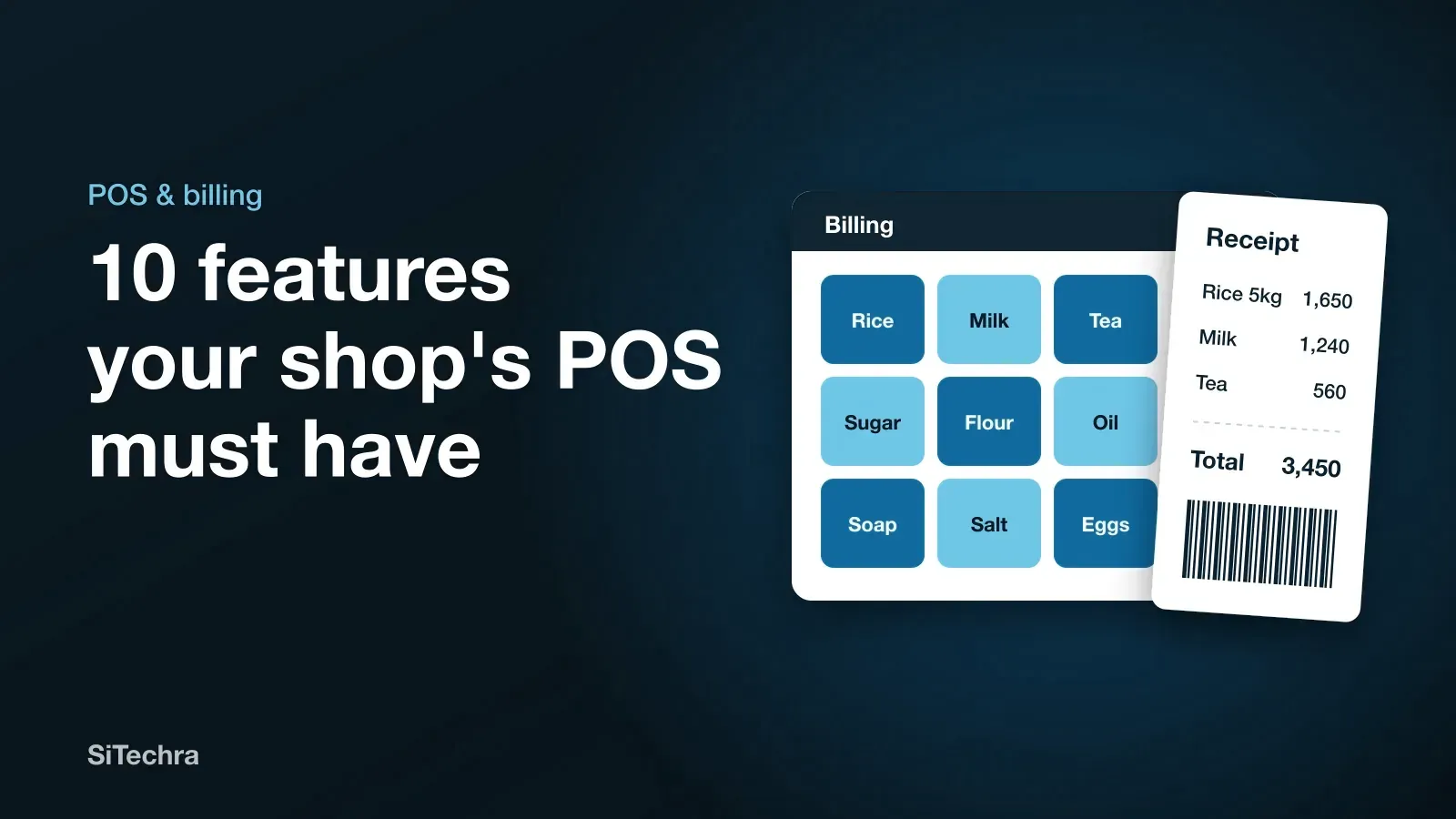
The queue at your counter is where a POS proves itself. Scanning should be instant, and products without barcodes, such as loose rice or vegetables, should be quick to find by name.
2. Hardware that works with what you have
Check that it works with your barcode scanner, receipt printer and cash drawer. Buying a system first and then finding that your printer is unsupported is a common and annoying problem.
3. Live stock with low-stock alerts
Every sale should reduce stock automatically. A good system warns you before a fast-moving item runs out. This feature alone can pay for the software, because empty shelves are lost sales.
4. Batch and expiry tracking
Essential for pharmacies, groceries and anyone selling food. You need to know what expires next month so that you can sell it first, not throw it away.
5. Credit customer records
Credit is a normal part of doing business in Sri Lanka. The system should record who owes what, when they paid and how old each balance is, replacing the notebook.
6. Cheque and payment tracking
Cash, card, bank transfer and cheques should all be recorded separately, so that your end-of-day cash count matches what the system says. If you take post-dated cheques, make sure it can remind you when they are due.
7. Reports you will actually read
Look for simple answers: today’s sales, profit by product and your best sellers. If a report needs training to understand, you will stop opening it.
8. Staff logins and permissions
Each cashier should have a separate login. Control who can give discounts, cancel bills or see profit. This protects both you and honest staff.
9. Check your shop from your phone
Being able to see sales and stock from anywhere changes how you run the business, especially with two branches, or when you are travelling or living abroad.
10. Local support and training
When your system stops on a busy Saturday, you need someone who answers and speaks your language. Ask who provides support, in which languages, and at what hours.
Useful extras to ask about
Depending on your business, these may also matter:
- Sales rep and delivery apps for distributors
- Table and kitchen ordering for restaurants
- More than one branch on a single system
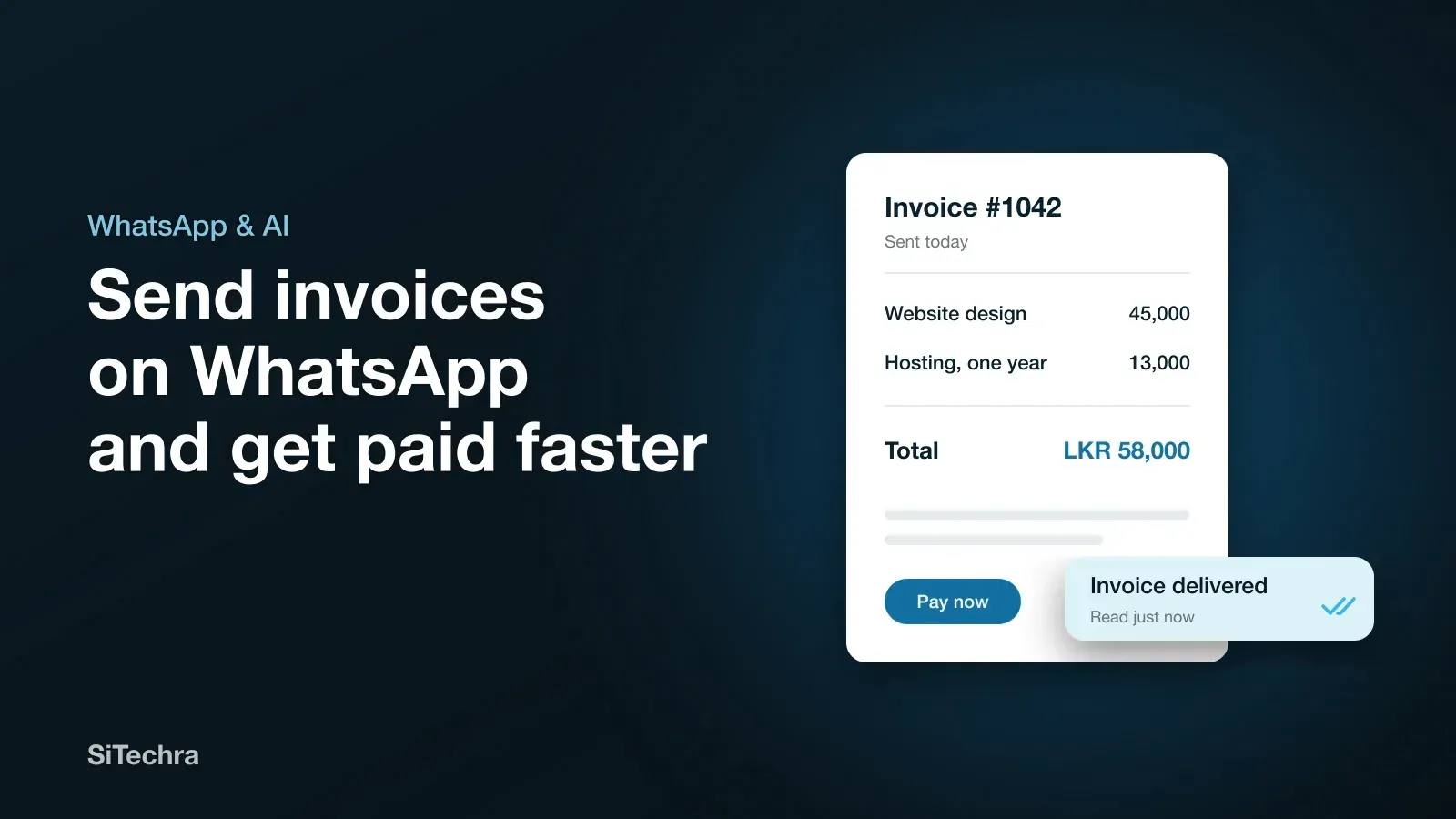
- Invoices sent on WhatsApp, so customers get bills instantly. See our WhatsApp invoicing guide.
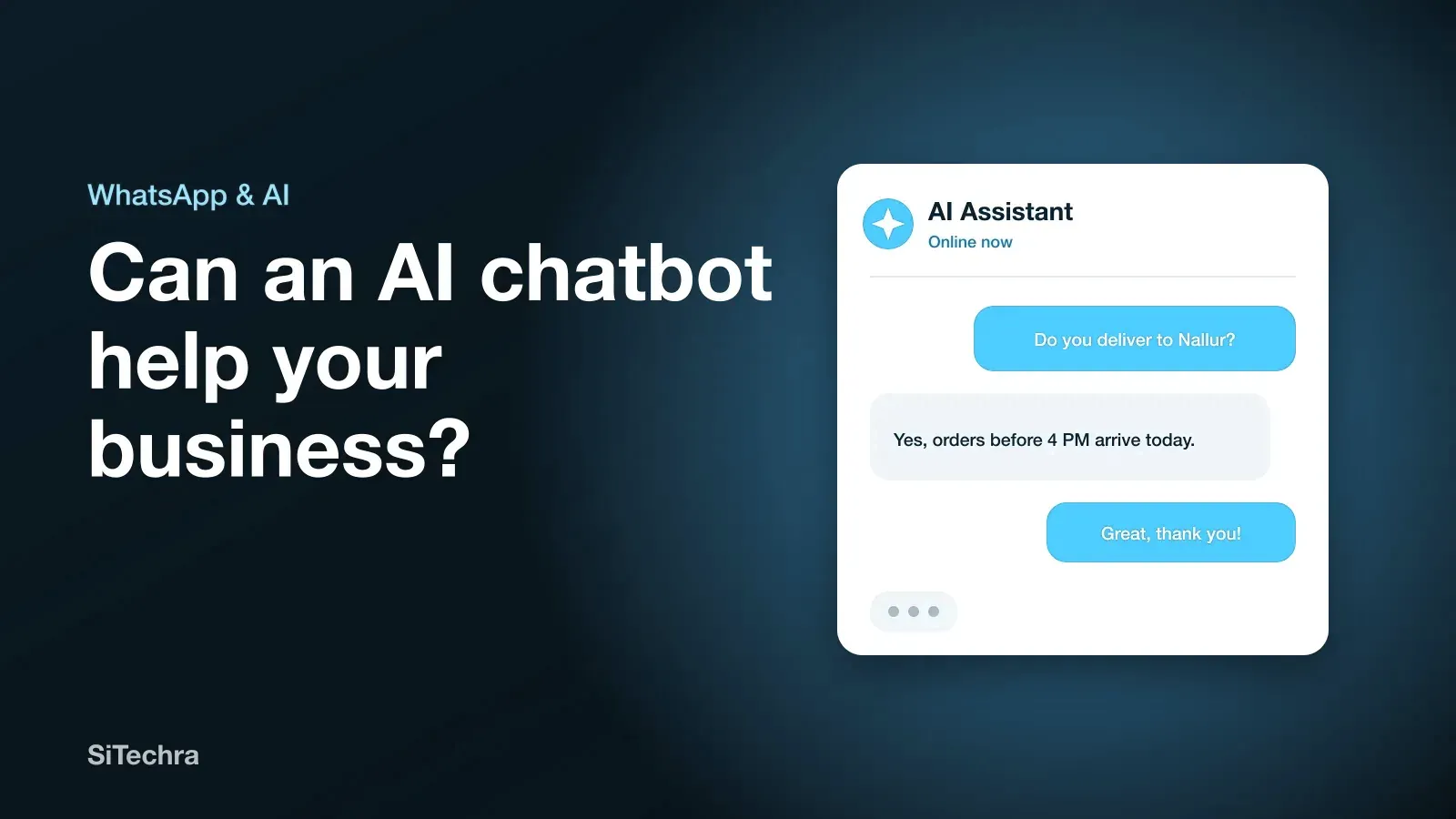
- An AI assistant that answers questions about your sales
Questions to ask before you pay
- Can I try it with my own products first?
- What continues to work if the internet stops?
- Can I export my data if I leave?
- Are updates and support included in the monthly fee?
- Are there charges for more users or branches?
How Distribook fits this list
Distribook is the business software we build and run ourselves in Jaffna. It covers billing, stock, sales reps, deliveries and credit, works on web, iOS, Android, Windows and Mac, and can send invoices on WhatsApp. Its AI assistant answers questions about your business in English, Tamil and Sinhala. Plans start from LKR 3,000 a month.
For a full cost breakdown, read our POS system price guide. If you are in the north, see POS systems in Jaffna and ask for a demo. We also have pages for supermarkets and pharmacies.
Frequently asked questions
What is the best POS system for a small shop in Sri Lanka?
The best system is one that fits how your shop works, supports your barcode scanner and printer, tracks credit and is easy for staff to use. Ask for a demo using your own products before you pay.
How much does a POS system cost per month?
Prices vary by features and provider. Distribook plans start from LKR 3,000 a month.
Can a POS system work without internet?
Some can. If your connection is unreliable, ask each provider exactly what continues to work when the internet is down and how the sales sync afterwards.