QR Menus and Table Ordering: A Practical Guide for Jaffna Restaurants
QR menus and table ordering help Jaffna restaurants serve faster and make fewer mistakes. See how it works, what you need and how to start.
On a busy Sunday in a Jaffna restaurant, the same problems appear again and again. Customers wait for a waiter. Handwritten orders get misread. The kitchen makes the wrong dish, and the final bill takes too long.
QR menus and digital table ordering fix much of this. Here is how they work, and how to decide what your restaurant needs.
What QR ordering means
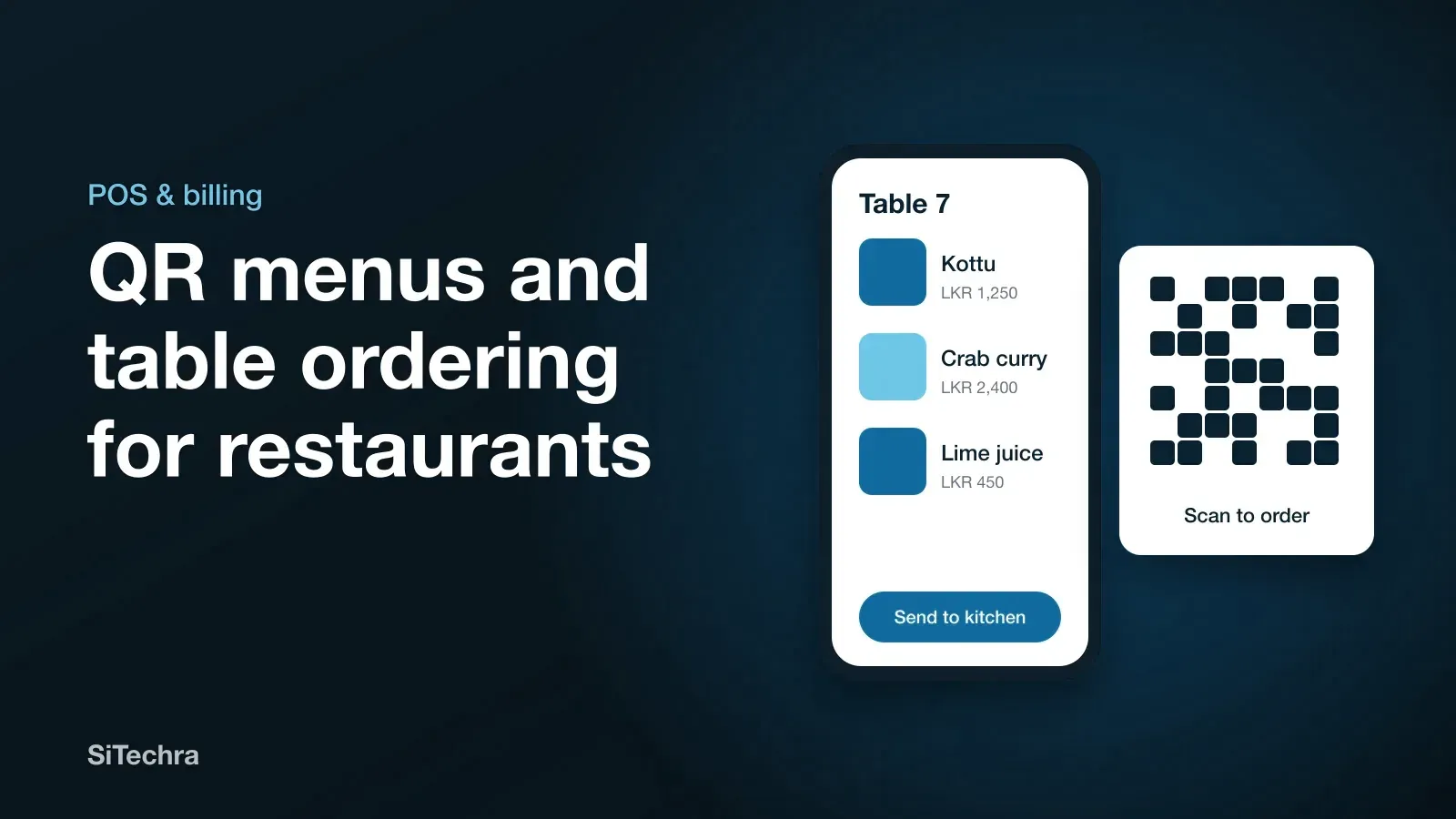
Each table has a printed code. The customer scans it with their phone and sees your menu with photos and prices. Depending on your setup, they can then order directly, or call a waiter.
There are three common levels:
- View only. The QR code opens your menu. Simple and cheap.
- Order from the table. The customer places an order, and it goes to your staff or kitchen.
- Full system. Table orders, waiter tablets, kitchen screens and billing all work together.
How it helps your restaurant
Fewer mistakes. The order reaches the kitchen exactly as it was entered, with no handwriting to read.
Faster table turns. Customers do not wait to order or to get the bill. On busy days that can mean serving more tables.
Bigger orders. Photos sell food better than a line of text, and suggestions such as “add a lime juice” are easy to include.
Easy menu changes. If the crab is finished, you remove it in seconds. You do not need to reprint anything.
Better information. You can see which dishes sell, which do not, and what your busiest hours are.
Make it work for Jaffna customers
Copying a system built for another country rarely works. Plan for your own customers:
- Tamil and English menus. Older customers especially will appreciate Tamil.
- Keep printed menus. Not everyone wants to use a phone at the table.
- Keep it friendly. Waiters still matter. Let them use the same system on a tablet.
- Clear photos. Real pictures of your real dishes, not stock images.
- Local payment methods. Cash, card and bank transfer should all be recorded.
What you need
| Item | Notes |
|---|---|
| Restaurant software | Menu, orders and billing |
| Stable Wi-Fi or data | A backup connection is wise |
| Printed table codes | Durable and easy to wipe clean |
| Kitchen screen or printer | So orders reach the cooks |
| Tablets for waiters | Optional, but very useful |
Ask what happens when the internet stops in the middle of service. Power and connection cuts are a reality, so your system needs a plan for them.
Do not forget the numbers behind the food
Fast ordering is only part of it. A complete system should also show what each dish costs you to make, how much stock you have, and your actual profit. Many restaurants are busy every night and still earn very little, because nobody can see those figures.
Distribook Restaurant connects waiters, the kitchen, customers and managers, including production cost, profit and staff salaries. Plans for Distribook start from LKR 3,000 a month.
How to roll it out
- Photograph your menu and set the prices.
- Start with a few tables during quiet hours.
- Train the waiters first, because they will teach the customers.
- Fix problems for a week before you go full-scale.
- Put a small “Scan to see our menu” card on each table.
Also get found online
Once your service runs smoothly, make it easy for hungry people to find you. Set up your Google Maps listing with menu photos and correct hours.
To see how this could work in your restaurant, take a look at our restaurant POS system page, or ask us for a demo.
Frequently asked questions
Do customers need to download an app to use a QR menu?
Usually not. They scan the code with their phone camera and the menu opens in the browser.
What if a customer does not have a smartphone?
Always keep a printed menu and let waiters take orders on a tablet. QR ordering should be a choice and not the only way to order.
Can QR orders go straight to the kitchen?
Yes. In a connected restaurant system, orders from tables and waiters can appear on a kitchen screen or printer.